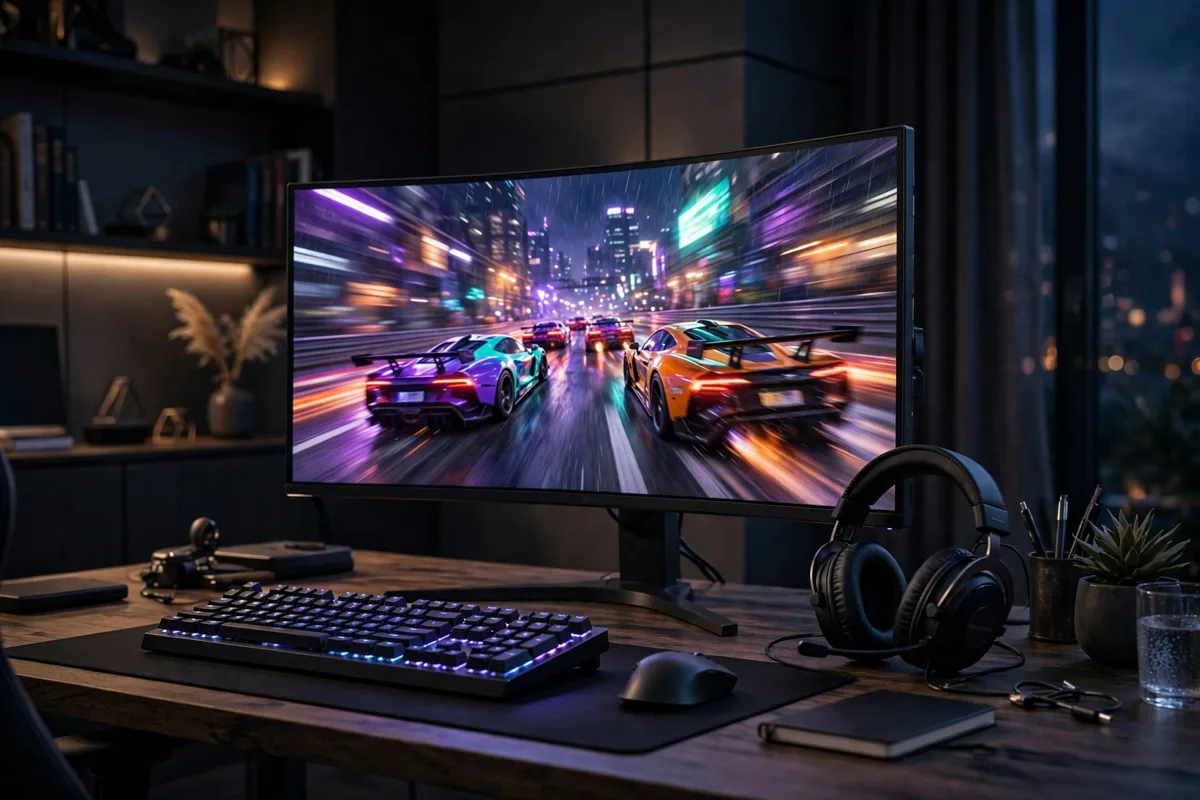
Your graphics card does the heavy lifting, but your gaming monitor decides what you actually see. A fast PC paired with a slow, blurry screen is money wasted, while the right display makes games feel smoother, sharper and more responsive overnight. Choosing a gaming monitor comes down to four things — refresh rate, resolution, panel type and size — and this guide explains how each one affects your games so you can spend your budget where it counts.
Refresh Rate: The Number That Matters Most
Refresh rate, measured in hertz (Hz), is how many times per second the screen redraws the image. A standard office display runs at 60Hz; gaming monitors start at 144Hz and climb to 240Hz, 360Hz and beyond. The jump from 60Hz to 144Hz is dramatic — motion looks clearer, aiming feels more connected, and fast-paced shooters and racing games become noticeably easier to follow.
Be honest about your hardware, though. A 240Hz monitor only shines if your PC can actually push frame rates anywhere near 240 frames per second. If you are building around a compact setup, our look at whether a used mini gaming PC is the right choice shows the kind of frame rates modest machines deliver, and a 144Hz screen is usually the sweet spot for them.
Resolution: Sharpness Versus Speed
Resolution decides how detailed the picture is. Full HD (1080p) is easiest for your graphics card to drive at high frame rates, which is why competitive players still favour it. QHD (1440p) is the current sweet spot for most gamers: visibly sharper than 1080p without the heavy performance cost of 4K. Full 4K looks superb in cinematic single-player games, but holding high frame rates at 4K demands a powerful — and expensive — graphics card.
Match the resolution to the screen size, too. At 24 inches, 1080p looks crisp; at 32 inches, the same resolution can look grainy because the pixels are spread thinner. As a rule of thumb: 1080p for 24-inch screens, 1440p for 27-inch, and 4K for 32-inch and above.
Panel Types: IPS, VA and TN Explained
The panel is the technology behind the screen, and each type has a personality. IPS panels offer the best colour accuracy and viewing angles, and modern fast-IPS displays have closed the speed gap, making them the default recommendation for most players. VA panels deliver the deepest contrast and richest blacks — great for atmospheric games in dark rooms — though they can smear slightly in very fast motion. TN panels are the oldest technology: fastest and cheapest, but with washed-out colours and poor viewing angles, so they now only suit esports players who value response above everything.
Response time matters alongside the panel. Look for 1ms grey-to-grey figures, but treat marketing numbers with caution and favour reviews that test real-world motion clarity. The way games are presented keeps evolving — as our piece on media for PC games explored, each generation of display technology changes what players expect to see.
Adaptive Sync: G-Sync and FreeSync
When your frame rate and refresh rate fall out of step, the picture tears. Adaptive sync fixes this by letting the monitor match its refresh rate to your graphics card’s output, frame by frame. AMD’s FreeSync works over standard connections and adds little cost; NVIDIA’s G-Sync comes in tiers, from compatible-mode support to dedicated hardware modules. Either way, a monitor with adaptive sync feels smoother than its raw numbers suggest, and it should be considered essential on any new gaming display.
Size, Shape and the Extras
Most gamers settle happily at 27 inches. Ultrawide 34-inch monitors add immersion in racing and simulation games, but check that your favourite titles support the wider aspect ratio. Curved screens make sense on ultrawides and large displays, less so on smaller flat panels. Among extras, a height-adjustable stand is worth more than built-in speakers, a USB hub is genuinely handy, and HDR badges below HDR600 are mostly marketing — a point worth remembering whenever entertainment hardware is sold on headline numbers, as our look at the AMI entertainment experience also found.
Finally, think about the company behind the screen and the wider setup it joins. Display makers lean on the same supply chains as firms like Emomo Technology, and panel quality can vary within a single model range — another reason to buy from retailers with painless returns.
Budget is the last piece of the puzzle, and the good news is that gaming monitors have never been better value. The fierce competition between panel makers means yesterday’s premium specifications — fast IPS, 1440p, high refresh — now sit in the mid-range. Spend on the panel first and the badge last, buy the previous year’s model when its replacement launches, and you will usually get ninety per cent of the experience for sixty per cent of the price.
Setting Up Your Monitor for the Best Picture
A new gaming monitor rarely shows its best straight out of the box. Start by confirming the refresh rate is actually set to its maximum in your operating system’s display settings — plenty of 144Hz screens sit at 60Hz for months because nobody checked. Use a DisplayPort cable rather than HDMI where possible, since DisplayPort usually unlocks the full refresh rate and adaptive sync range. Turn on the overdrive setting one step at a time: the middle option is normally the best balance, while the highest can add inverse ghosting.
Brightness around 120 to 150 cd/m² suits most rooms, and a colour temperature near 6500K keeps whites neutral for both games and everyday work. If your monitor offers a black-frame-insertion or motion-blur-reduction mode, try it in fast games, but know it usually disables adaptive sync and dims the picture. Finally, sit at the right distance — roughly an arm’s length for a 27-inch screen — and set the top of the display at or just below eye level. Ten minutes of setup makes the same hardware feel like a bigger upgrade than any spec sheet promised.
So, Which Gaming Monitor Should You Buy?
For most people, the answer is a 27-inch 1440p fast-IPS monitor at 165Hz or 180Hz with adaptive sync: sharp, smooth and sensibly priced. Competitive players should prioritise a 24-inch 1080p screen at 240Hz, while story-driven gamers with powerful PCs can step up to 4K. Decide your resolution and refresh rate first, pick the panel that suits how you play, and let everything else be a bonus. Get those two decisions right, and any gaming monitor you choose will feel like an upgrade every single time you sit down to play.