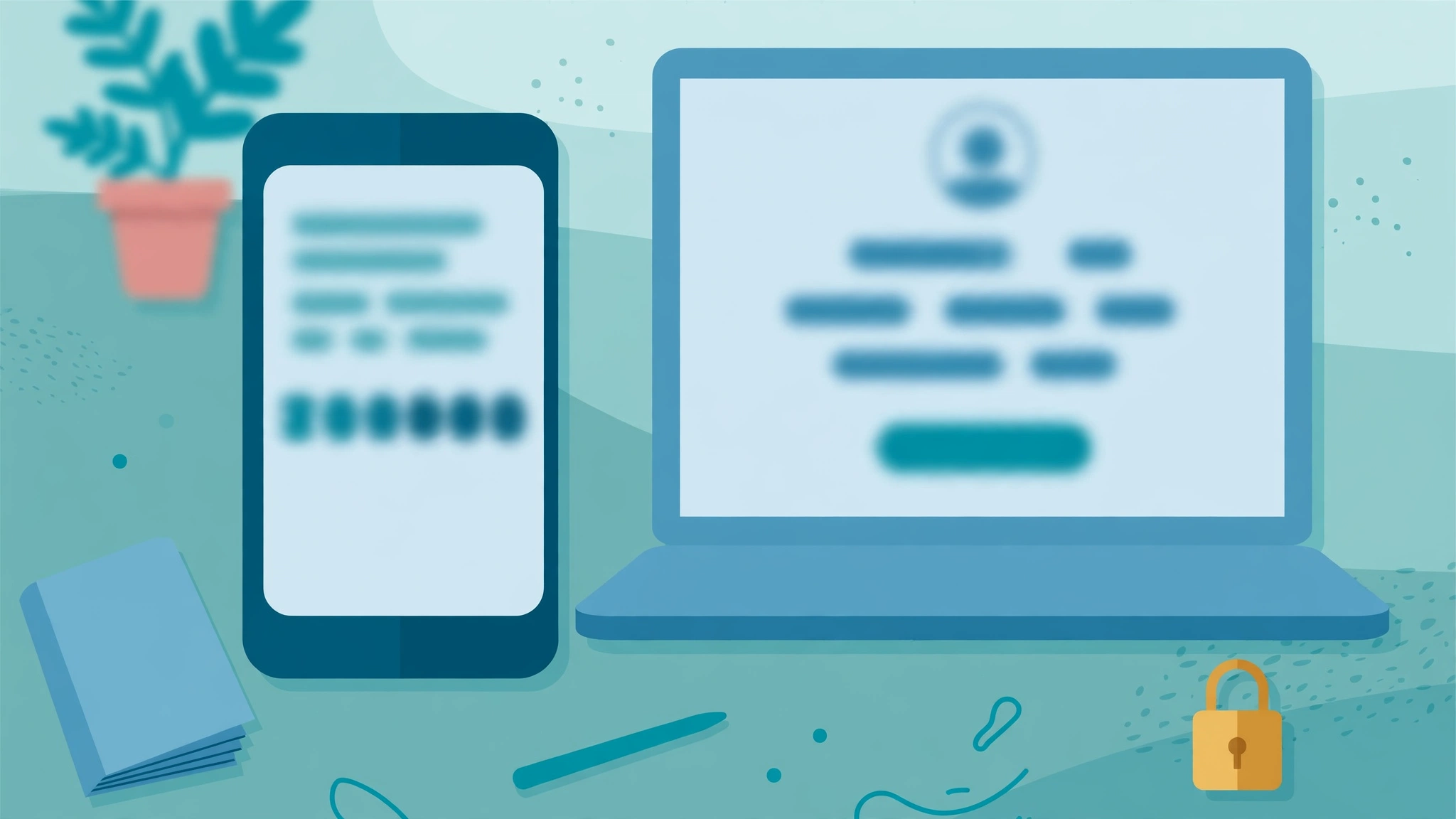
A password on its own is a single lock on a door that thousands of people try to rattle every day. Two-factor authentication adds a second, different lock, so a stolen or guessed password is no longer enough to get into your account. It takes only a few minutes to switch on, it costs nothing on almost every major service, and it quietly blocks the most common way accounts are taken over. If you only make one change to your online security this year, this should be it.
What Is Two-Factor Authentication?
Two-factor authentication, often shortened to 2FA, asks you to prove your identity in two different ways when you sign in. The first factor is something you know, usually your password. The second factor is something you have, such as your phone or a small hardware key, or something you are, such as your fingerprint or face. Because the two factors are different in kind, a criminal who steals one still cannot get in without the other.
Think of it like a bank card and a PIN. A thief who finds your card cannot empty your account without the PIN, and someone who overhears your PIN cannot do anything without the card. Two-factor authentication applies exactly the same logic to your email, banking, shopping and social media accounts, which for most people now hold far more value than the cash in their wallet.
The Main Types of Second Factors
Not every second factor is equally strong, and most services let you choose between several:
Text message codes. A six-digit code is sent to your phone by SMS. This is the easiest option and far better than nothing, but it is the weakest form of 2FA, because phone numbers can be hijacked through SIM-swap fraud.
Authenticator apps. Apps such as Google Authenticator, Microsoft Authenticator or Authy generate a fresh code every thirty seconds on your device. The code never travels over the phone network, which removes the SIM-swap risk, and security professionals generally recommend this as the best balance of safety and convenience.
Hardware security keys. A small USB or wireless key that you tap or plug in when prompted. This is the strongest option and the one used by journalists, executives and IT staff, because the key cannot be phished or copied.
Biometrics and passkeys. Many phones and laptops now let you approve a sign-in with your fingerprint or face, and passkeys are gradually replacing passwords altogether on major platforms. If you are setting up connected devices around the house, our guide to smart home devices for beginners is a good reminder that every gadget with an account deserves the same protection as your email.
Backup codes. When you switch 2FA on, most services give you a set of one-time backup codes. Save them somewhere safe offline, because they are your way back in if you lose your phone.
Why Passwords Alone Are Not Enough
Passwords fail in predictable ways. People reuse them across sites, so one leaked database unlocks a dozen accounts. They choose birthdays, pets and football teams that can be guessed from social media. And phishing pages now imitate real sign-in screens so convincingly that even careful users hand their password over. As the future of information technology moves more of everyday life online, the value stored behind a single password keeps rising, while the cost of attacking it keeps falling.
Two-factor authentication breaks this chain. A phished or leaked password becomes almost useless on its own, because the attacker still needs the second factor sitting in your pocket. Large providers have reported for years that simply turning on 2FA blocks the overwhelming majority of automated account-takeover attempts.
How to Turn On Two-Factor Authentication
The exact menu names differ between services, but the process is nearly always the same:
First, open the account you want to protect and find its security settings; starting with your email account matters most, because email is the master key that resets everything else. Second, look for an option labelled two-factor authentication, two-step verification or login verification. Third, choose your second factor, with an authenticator app preferred over text messages where both are offered. Fourth, scan the QR code or enter the setup key the site shows you, then type the code your app generates to confirm the link. Finally, save your backup codes and repeat the process for your banking, shopping and social accounts while the habit is fresh.
Gaming, Work and Business Accounts Need It Too
Gaming accounts are stolen constantly, because rare items, saved payment cards and personal details make them valuable; the account behind your console deserves protection whether you play on a PC or on the hardware discussed in our look at Nintendo’s new console. Work accounts matter even more. A single compromised staff login can expose a whole company, which is why the modern business solutions built by firms such as Emomo Technology, McCown Technology Corporation and Shamrock Technologies all assume that every employee sign-in is protected by a second factor.
Common Mistakes to Avoid
A few habits quietly weaken 2FA. Approving a sign-in prompt you did not start is the biggest one: attackers sometimes bombard a victim with approval requests hoping one tired tap lets them in, a trick known as MFA fatigue, so never approve a prompt unless you are signing in at that moment. Saving backup codes in the same account they protect is another; keep them on paper or in a separate password manager. And do not leave your old phone number on accounts after you change numbers, or your codes will keep going to a stranger.
What If You Lose Your Phone?
Losing the device that holds your second factor is the worry that stops many people switching 2FA on, but it is a solved problem. Your backup codes exist precisely for this moment: sign in with one of them, then register your new phone and generate a fresh set of codes. Authenticator apps increasingly offer encrypted cloud backup as well, so your accounts move to a new handset with you. If a service offers recovery through a trusted contact or a verified ID check, set that up while everything still works. The real risk is not losing your phone; it is having no second factor at all on the day somebody else guesses, buys or phishes your password and walks straight into your digital life.
A Five-Minute Security Habit
Two-factor authentication is not glamorous, and that is exactly why it works. It asks almost nothing of you, a few seconds with your phone when you sign in, and in return it closes the door on the most common account attacks. Start with your email today, add your banking and shopping accounts this week, and work through the rest whenever a service reminds you. Within a month, the second step will feel as automatic as locking your front door, and your accounts will be dramatically harder to steal.